 Product Documentation
Appearance
Initial Login and Password Reset
Log into Yellowbrick Manager and change your password
Log in as ybdadmin@yellowbrickcloud.com.
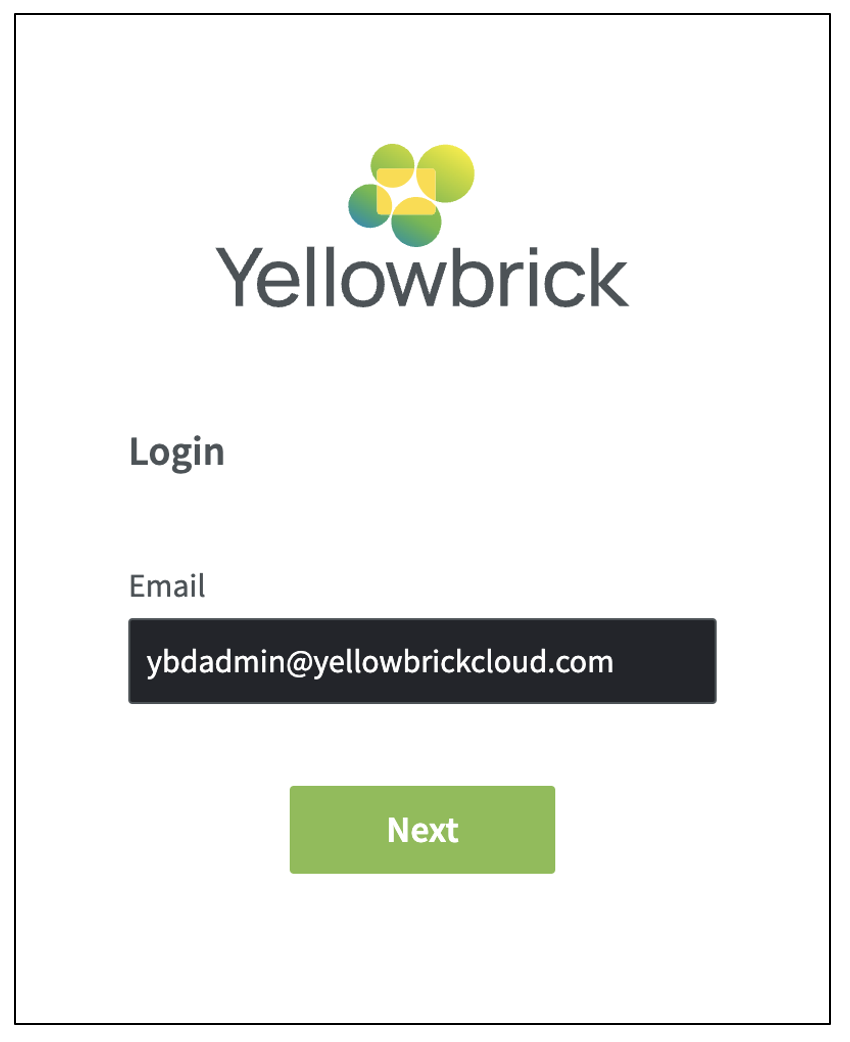
Enter the temporary password that is displayed in the Outputs tab in the Azure Portal, then change the temporary password, as prompted.
Create your first data warehouse instance
Now you are ready to create your first Yellowbrick instance:
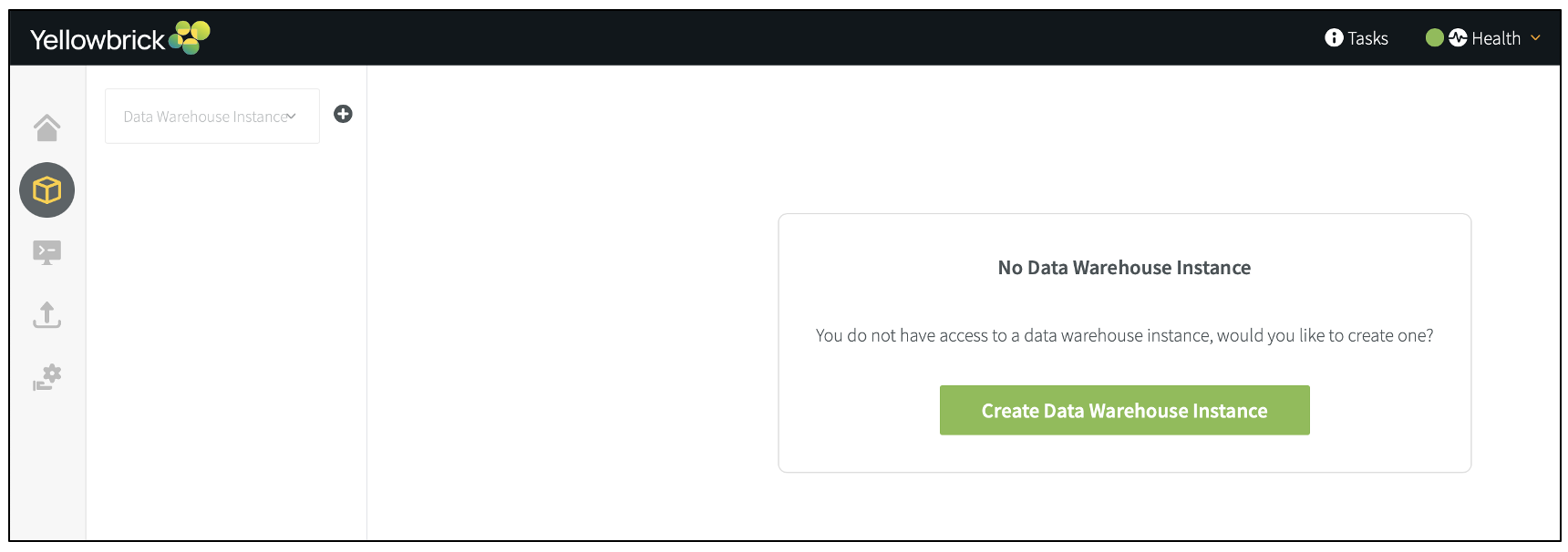
After creating an instance, you will be prompted to create a cluster. You will also need to create additional roles and users. For details about instances, clusters, and roles, see the main product documentation.
Note: The default time zone for data warehouse instances is set to UTC (timezone and log_timezone configuration parameters).
Parent topic:Azure Deployment Guide for Yellowbrick