 Product Documentation
Appearance
Installing ybtools on macOS
You can install ybtools on macOS versions 10.10 and later.
Download the macOS package from the Yellowbrick Manager. Go to Support > Drivers and Tools > Client Tools. For example:
ybtools-6.1.2-a8363b32.1234.macos.x86_64.dmg.If necessary, copy the downloaded package to the macOS client system.
Double-click the
.dmgfile. The Yellowbrick Client Tools installer opens.
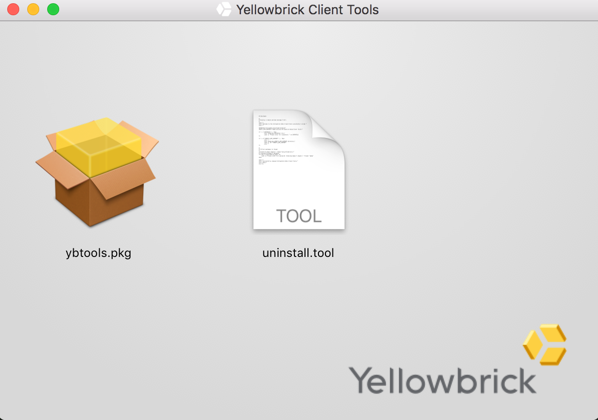
- Double-click the
ybtools.pkgicon and step through the installer as directed. Be sure to accept the license agreement.

Note: You can change the default installation directory if required.
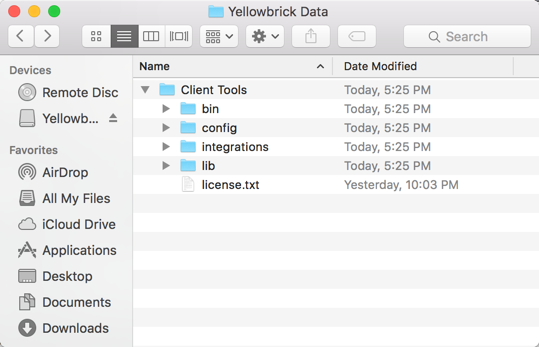
- When the installation is complete, check the contents of the installation directory. For example: