
Appearance
Monitoring Backup and Restore with SMC
You can monitor backup and restore operations by running system view queries or by looking at the reports in the SMC.
SMC Monitoring
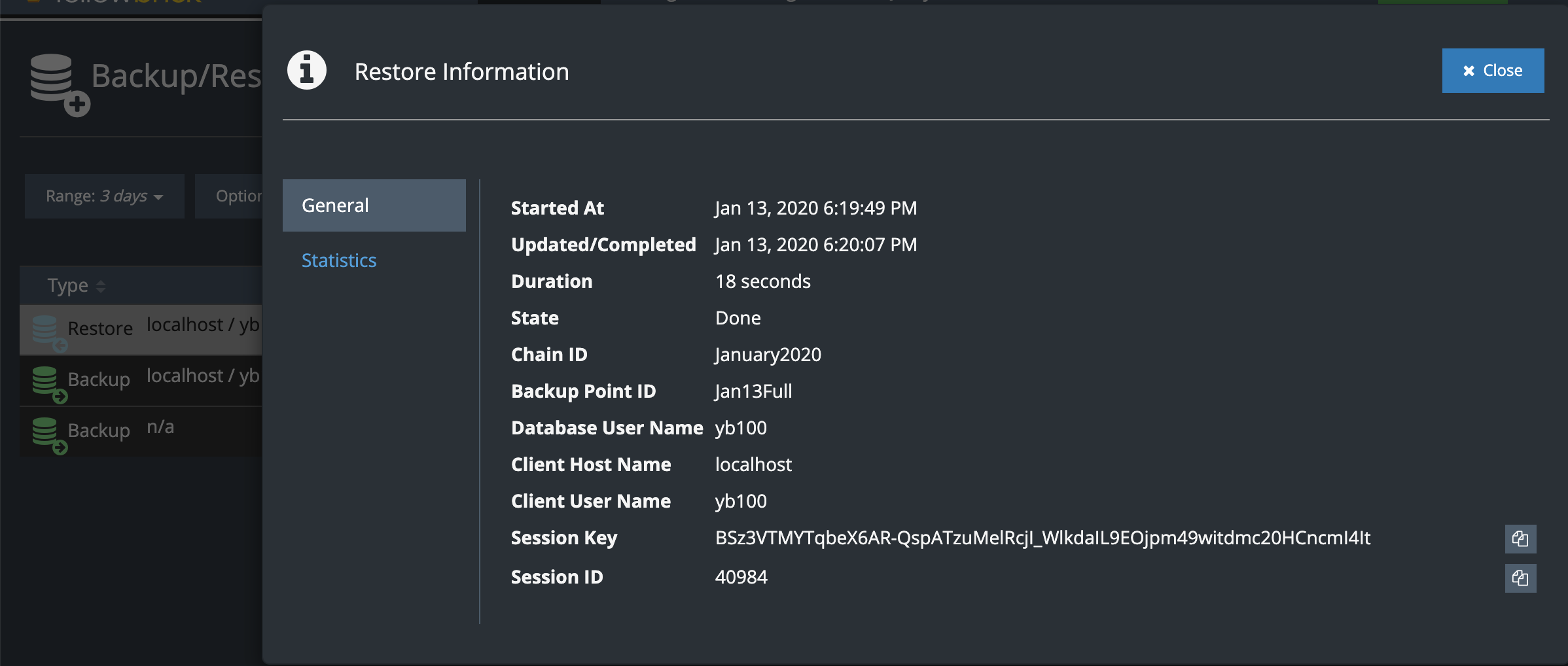
Go to Monitor > Backup/Restore Processes in the SMC.
You can filter backup and restore events and look at the details for individual operations. For example:
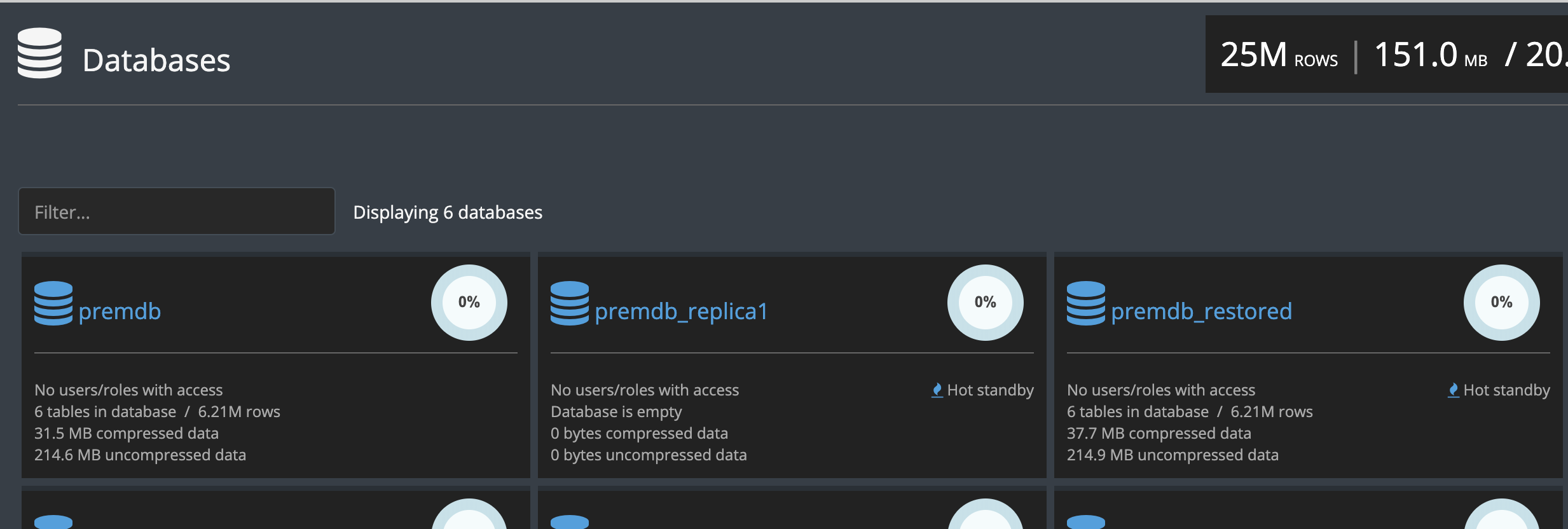
The Databases view in the SMC also shows which databases are in HOT_STANDBY mode, either because they were restored or because they are active replicas. For example:
System Views
Write queries against the following system views:
- sys.backup (monitor backups in progress)
- sys.log_backup (view backup history)
- sys.restore (monitor restores in progress)
- sys.log_restore (view restore history)
- sys.backup_chain (list backup chains)
- sys.backup_snapshot (list backup snapshots)
See the view descriptions for examples.
If you are taking backups with ybbackup and using database replication, the sys.backup_chain and sys.backup_snapshot views contain information about chains and snapshots that apply to both types of operations.